Updated: 2025-08-25 • Read time: 4–6 min • Tags:
AISmall Business
Looking to save time and run smarter without new hires? These free AI tools help with writing, images, video, and workflows. All are beginner‑friendly and work great for solo founders and small teams.
1) ChatGPT (Free tier)
Use it for: drafting emails, blog posts, product descriptions, customer replies, SOPs, and idea generation. Pair with your brand voice and paste examples of past copy for better results. Tip: Ask for 3 variants and a headline list.
2) Canva (Free + Magic tools)
Use it for: social posts, posters, brochures, and quick mockups. Start with a template, then use background remover, resize, and text effects. Export vertical images (1000×1500) for Pinterest.
3) Notion AI (Free for personal use)
Use it for: documenting processes, content calendars, FAQs, meeting notes, and quick summaries. Create a simple CRM board for leads and automate follow‑ups with reminders.
4) Grammarly (Free)
Use it for: polishing writing, fixing typos, and improving clarity. Install the browser extension so website forms, emails, and social posts are checked automatically.
5) Runway (Free tier)
Use it for: quick video edits, background removal, subtitles, and AI b‑roll. Great for Reels/Shorts repurposing. Keep clips under 30 seconds for social.
How to put these together (simple workflow)
Draft copy in ChatGPT → headline, caption, CTA.
Design a pin in Canva → apply brand colors + logo.
Repurpose long posts with Notion AI → bullets + checklist.
Polish text in Grammarly → remove fluff, fix tone.
Trim a short video in Runway → export vertical for Pinterest/IG.
Pro tip: Keep a swipe file of your best prompts and designs. Reuse structures that work and just swap the topic each week.
Updated: 2025-08-26 • Read time: 4–6 min • Tags:
AutomationProductivity
Reclaim your week by handing repetitive tasks to AI. This guide shows you where to start, what to automate first, and how to chain tools together so you get more done with less effort.
High-impact tasks to automate
Inbox triage: auto-draft routine replies and pull action items into a to-do list.
Meeting notes: summarize calls and extract next steps directly to your CRM or task app.
Content variations: generate titles, summaries, and thumbnail text from a single master post.
Social scheduling: queue posts and repurpose across platforms automatically.
Simple starter workflow
Draft in ChatGPT: outline, bullets, and a clear CTA.
Design in Canva: apply your brand template and resize for each platform.
Polish in Grammarly: clarity, tone, and final proof.
Schedule with Pinterest/Tailwind: batch a week of posts at once.
Tip: Track time saved per task for two weeks. Double down on automations that give the biggest ROI and kill anything you don’t use.
Updated: 2025-08-26 • Read time: 4–6 min • Tags:
SalesMarketing
Stay ahead of the competition by leveraging AI-driven strategies that are transforming how businesses attract, convert, and retain customers in 2025. Here’s what’s working now and how to implement it fast.
Top AI sales trends
Predictive insights: AI forecasts buyer behavior and flags warm leads before competitors act.
Personalized outreach: hyper-targeted email and ad copy tailored to customer intent.
Dynamic pricing: adjust offers in real time for maximum conversions and margin.
Smart chatbots: close deals directly in chat with contextual, human-like responses.
Quick-win implementation
Audit tools: list existing CRM, ad platforms, and analytics you already use.
Integrate AI: connect predictive engines and personalization layers to your sales stack.
Run micro-tests: A/B test offers, copy, and chatbot scripts in short sprints.
Scale winners: double spend on what converts best and cut the rest.
Tip: Start small with one AI-driven campaign. Document results, then expand systematically.
Updated: 2025-08-27 • Read time: 4–6 min • Tags:
ContentAI
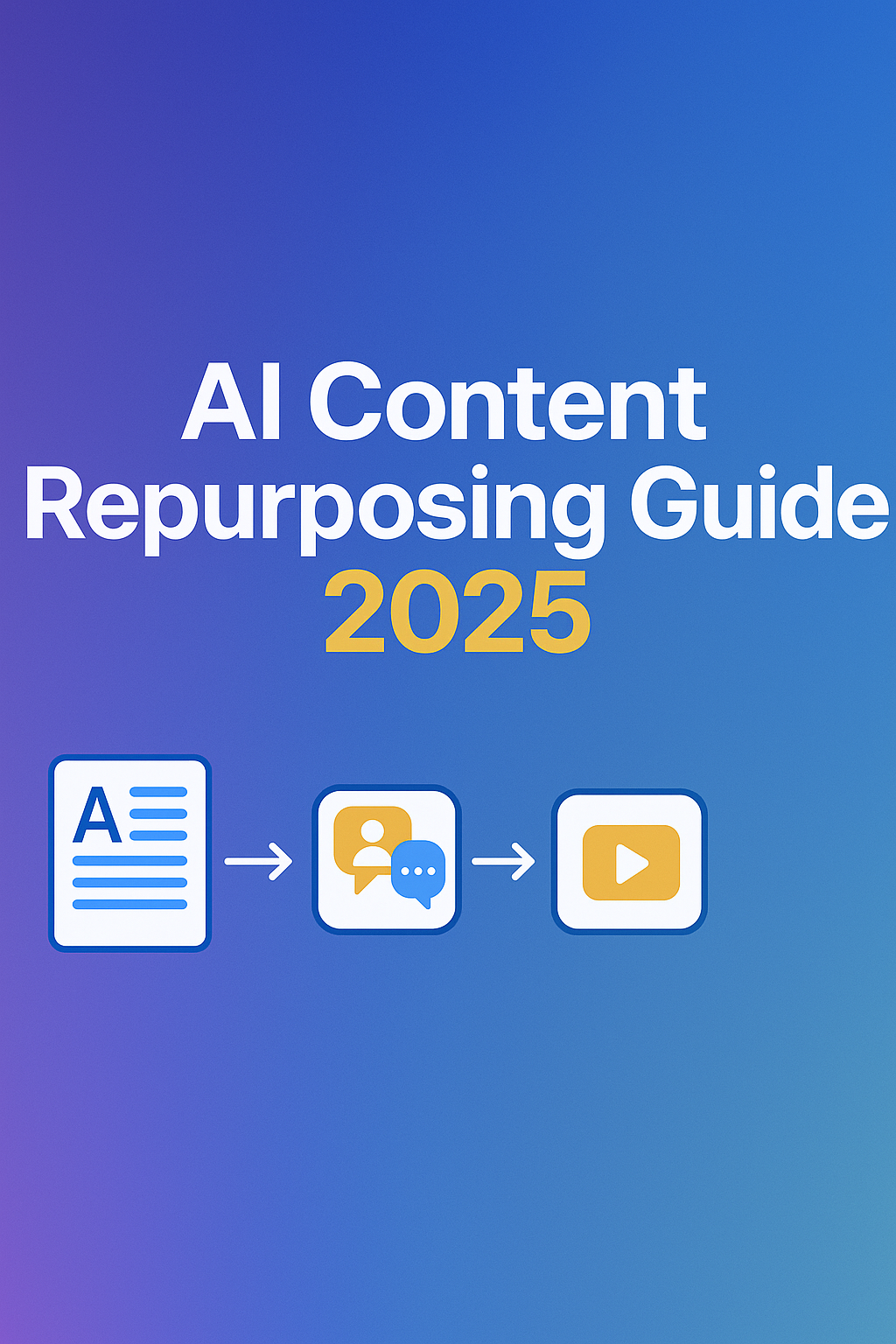
Work smarter by turning one strong piece of content into many. This guide shows how to repurpose blogs into social posts, videos, and emails using AI—saving hours while keeping your brand voice consistent.
High-impact ways to repurpose
Blog → Social: convert key points into carousels, shorts, and quotes.
Blog → Video: generate scripts, b-roll prompts, and captions.
Blog → Email: turn sections into a 3-part nurture sequence.
Long-form → Infographic: extract stats and steps into one visual.
Simple starter workflow
Outline with AI: pull headlines, bullets, and CTA from your source post.
Design in Canva: apply a brand template; export sizes for each channel.
Caption variations: generate 3–5 hooks + hashtags per post.
Schedule & measure: queue a week, track saves/clicks, double down.
Tip: Keep a “repurpose bank” doc. Each time you publish, add the post and check off formats you’ve created.
Updated: 2025-08-27 • Read time: 4–6 min • Tags:
MarketingAI
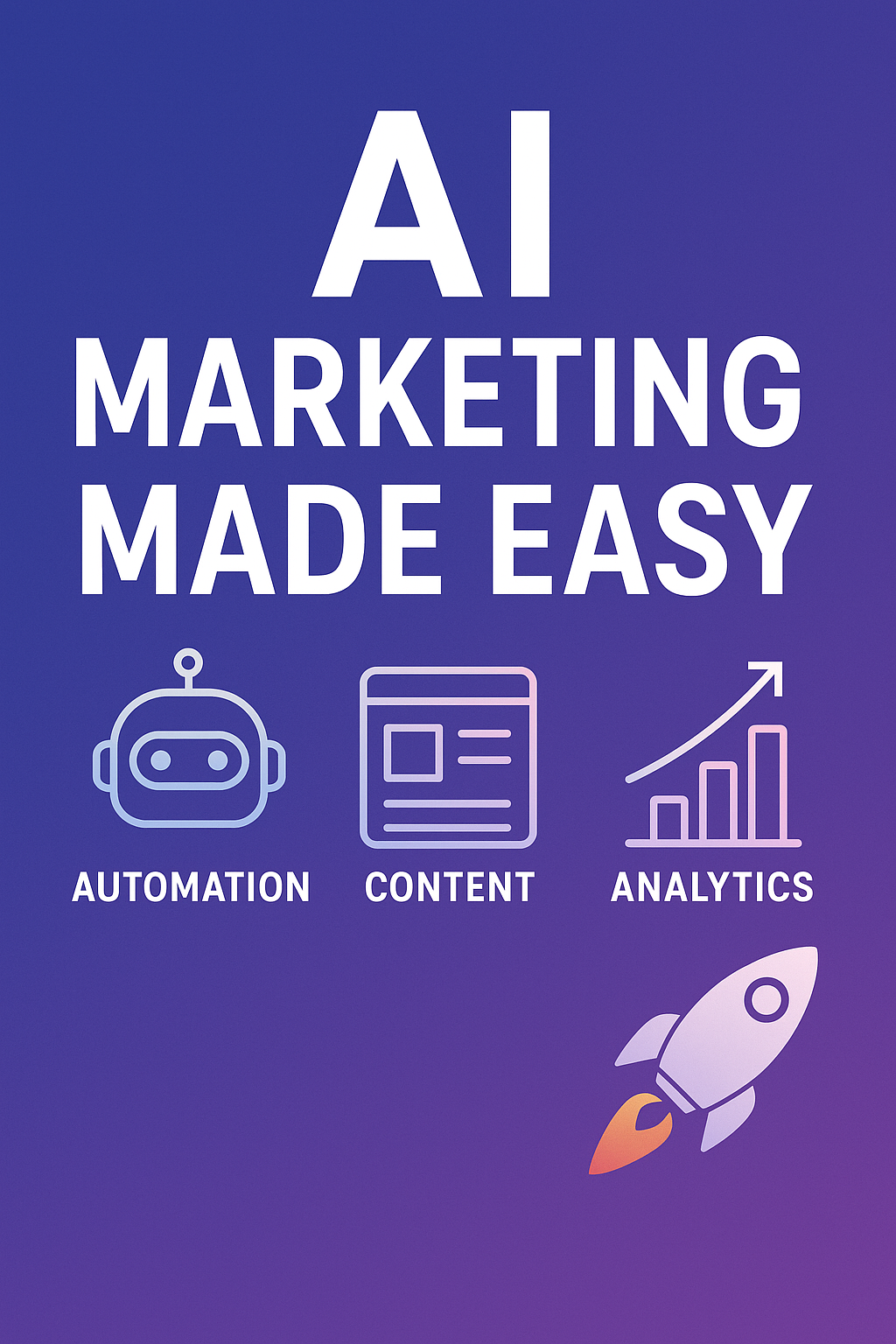
AI can simplify your marketing stack and save hours every week. This guide walks through practical ways to automate content creation, optimize ads, and scale campaigns while keeping your brand voice intact.
Where AI helps most
Content generation: create outlines, captions, and ad copy in minutes.
Creative testing: generate multiple visual and copy variants for A/B testing.
Audience insights: use AI to spot high-value segments and personalize offers.
Analytics automation: auto-summarize campaign performance and suggest actions.
Simple starter workflow
Brief the AI: give one short summary of your product, audience, and goal.